Conference bridge
The access to my microphone/camera is blocked, what to do?
written by
Arbolus Support
published on
If the access to your camera/microphone is blocked and you get the following message
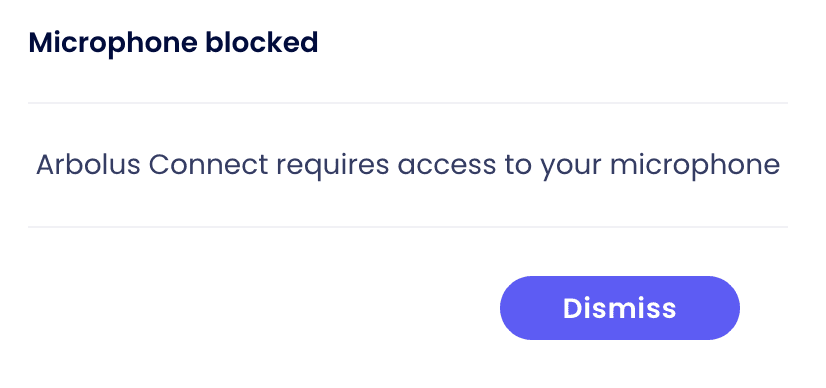
Depending on your browser the procedure might be different. In this article, we cover the following browsers:
Google Chrome and Microsoft Edge
Safari and Firefox
If you are using Chrome or Microsoft Edge
Click on the padlock next to the URL of the meeting
Set the Camera and Microphone to "Allow"
Close the setting pop-up
Reload the page

Unblock Microphone and Camera access on Chrome/Edge
If you are using Safari or Firefox
Refresh the tab
You should be alerted for Microphone & Camera Access
Tap "Allow"

Unblock Microphone and Camera access on Safari/Firefox